Second Secondary Exams
Practise Second Secondary exams on JoNestein: pick a subject and lesson, take the exam and follow your results from your phone.
Practise for Second Secondary exams
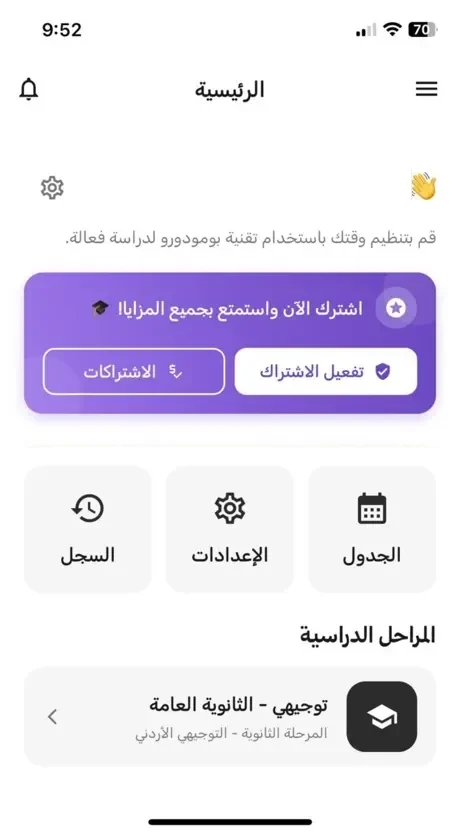
In the Second Secondary exams section of JoNestein you choose the subject and lesson you want to practise and take the exam right on your phone. When you finish you see your result, and it is saved to your history so you can track your progress and see which lessons need more revision. You can also organise your study time from the schedule page in the app.
- Questions and exams dedicated to Second Secondary
- Pick the subject and lesson you want to be tested on
- Your result appears instantly and is saved in your history
- A schedule to organise your study time inside the app
Preparation tips
Identify the subjects that need more focus and start them early.
Rely on understanding and solving exercises rather than blind memorising.
Set a fixed daily revision slot, even if it is short.
Try solving papers without looking at the answers, then compare and correct.
What students say
The app helped me organise my revision, and I now know which unit to go back to.
I like that the questions are clearly organised, so I can practise only the unit I need.
Instant results and explanations saved me a lot of time searching for the answer.
Frequently Asked Questions
What do Second Secondary exams mean in the app?
Questions and practice for secondary stages across subjects, organised to make revision easier.
Can I track my progress?
Yes, the performance dashboard shows your results, strengths and weaknesses.
Is there an offline mode?
The app supports offline practice where available; details are inside the app.
Ready to start your journey to top grades?
Download JoNestein today and start solving questions and exams from your phone.